


How to shoot videos for YouTube
21.01.2026
How to shoot videos on YouTube? How to make a video go viral? How to promote a YouTube channel? These are questions that all novice content creators ask themselves.
YouTube is a great platform for promoting content, ideas, and brands. By conquering this hosting platform, you will gain a large audience and be able to earn money, even if you initially created a creative non-commercial blog. After all, YouTube has a monetization system. But achieving this is not easy. First, learn how to shoot videos on YouTube.
How YouTube works: what you need to know
Any platform is interested in people spending more time on it. It offers users content that they are likely to enjoy.
When a user visits the platform for the first time, they are recommended content from different categories. The platform’s algorithms then focus on the user’s tastes. What videos he or she watches, what they search for. And it shows popular content from these categories.
Similar to TikTok, YouTube initially promotes new videos on social media (although there are exceptions). Therefore, the first few hours after publication are the most important. A newly posted video will appear in your viewers’ recommendations. Therefore, the more people who watch you regularly, the better.
To get into the recommendations, a beginner needs to try to attract potential viewers. The easiest way is clickbait. This is a cover or title that immediately attracts attention.
However, clickbait should not just be a pretty cover. The YouTube video behind this cover should match it and be interesting.
Thanks to the latest updates, YouTube doesn’t just look at the number of likes and views. It’s important how many people watched the video to the end and how many left comments. The more comments and views, the better.

Defining the purpose and format of videos for your YouTube channel
The format of the video depends on the purpose of the shoot and the potential audience. It is important to define both the purpose and the audience before creating the channel. Think about your potential audience and content. Is it creative, entertaining content, videos on political or socially relevant topics, or a commercial blog?
Non-commercial content, such as entertaining videos and reviews, is more popular among YouTube audiences. Promoting a commercial blog has its nuances. YouTube is a convenient platform for freelancers and course authors.
For example, the Englishdom English language school channel has 746,000 subscribers. The YouTube channel of the foreign language learning platform Duolingo has 6.15 million subscribers.
But these channels don’t just promote their product, they provide knowledge or entertainment. Englishdom hosts explain English grammar and its nuances, providing useful content to people learning English.
Duolingo is, first of all, a recognizable brand. Secondly, it is known more for its entertaining content than for its advertising. Mainly memes.
If you are promoting your business through YouTube, fill your channel primarily with useful educational content or memes, not advertising.

Preparing to shoot videos for your YouTube channel
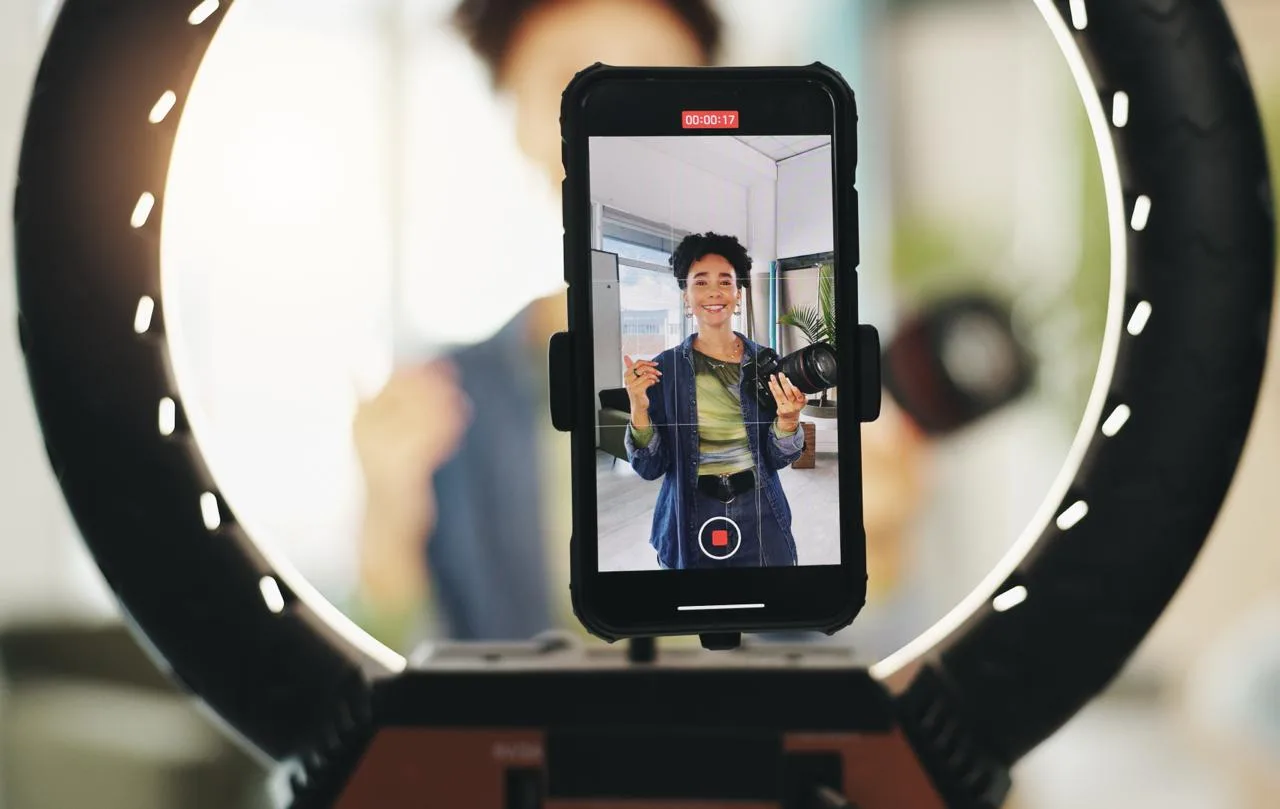
While you only need a phone to shoot TikTok videos, YouTube is more complicated. At first, a phone may be enough, but later on, you will need to purchase more expensive equipment.
However, this platform offers more opportunities. While TikTok is designed for posting short videos, YouTube allows you to post videos ranging from a few seconds to ten hours long.
Preparing your equipment
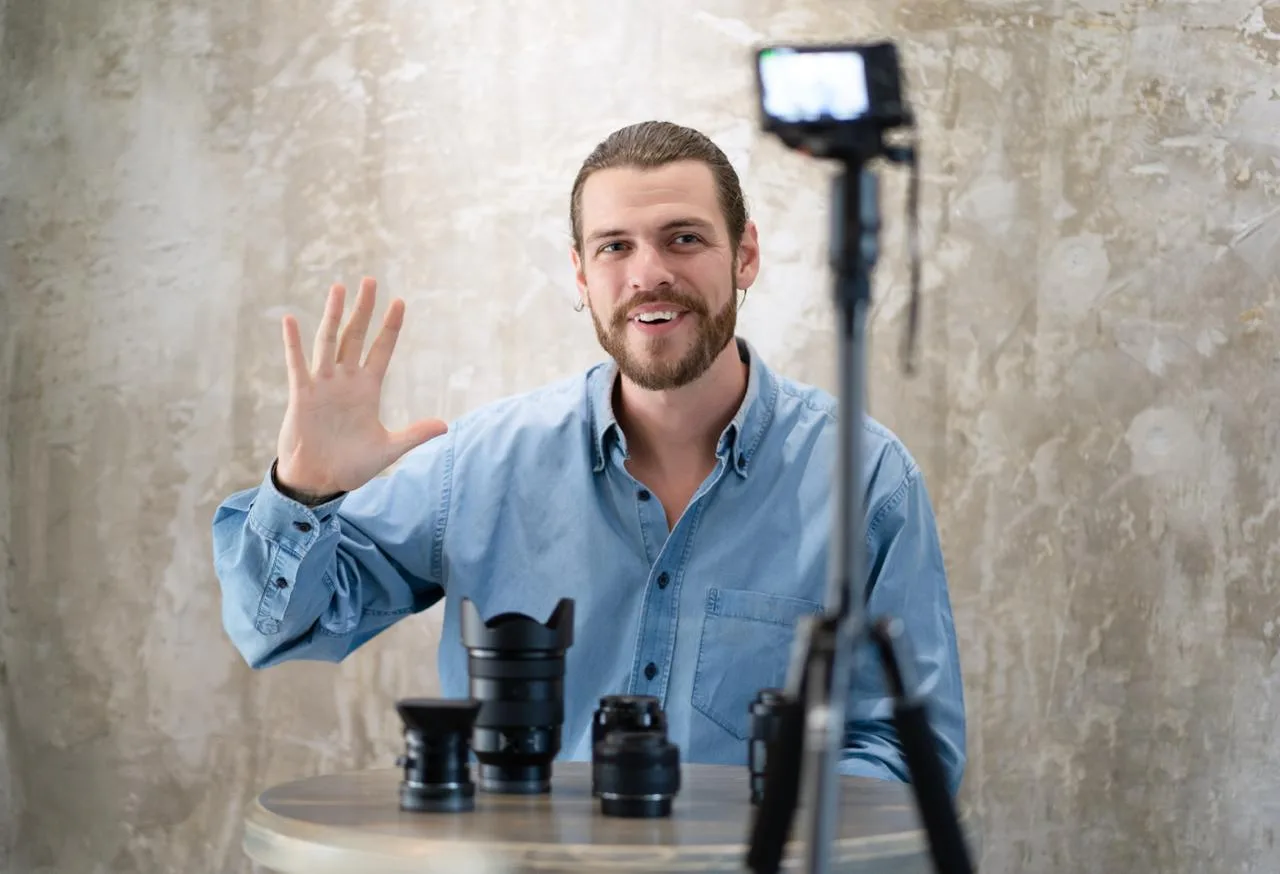
If you are serious about blogging, you will need at least a camera, a speaker and microphone for good sound, and an LED lamp. The complexity and cost of the equipment depends on your budget.
Writing a script
You need a script so that you know what to do and when to do it. First and foremost, you need to know what to say. There are formats for which a script is not necessary (for example, surveys). But for most formats, it is essential. The simplest script plan consists of three acts.
- Setup. You introduce the audience to the problem.
- Conflict. Escalate the problem to its climax.
- Resolution. Solve the problem for the audience.
This plan is suitable for different formats of videos for a YouTube channel.
Choosing a location
We have already written about how to choose a location for a video. In short, the location depends on the theme and format. You can shoot videos for YouTube in a studio, at home, outdoors, anywhere.
Look for a location when everything else is ready. Consider the nuances—convenience of shooting, moving and placing equipment, permission to shoot.
The process of shooting a YouTube video
Before shooting video clips, it is important to set up and secure the equipment. The lighting should be beautiful. The camera should be level and not wobble. The behavior of the person in the frame depends on the script. Do what is written in the script.
Transitions between frames can be sharp. This is called a montage skip. You can use panning (the camera moves left and right), tilting (the camera moves up and down), and smooth transitions.
If you are shooting a professional video on a serious topic, use one type of transition (skip, smooth transition). If you are shooting a clip or a scene, you can use several types of transitions.
Video editing for YouTube channels
The process of editing videos for YouTube is more complicated than editing videos for TikTok. When you shoot a video on TikTok, the video editor opens immediately.
If you shoot a video for YouTube, you will need to download a special program. There are many applications for editing YouTube videos. We will focus on the most popular ones.
- CupCut. Perhaps the most well-known video editing program. It is free, with a simple interface, but limited functionality. Suitable for beginners and editing short videos.
- Qiuck. Another app for beginners. Convenient, free, with limited functionality. Suitable for creating short videos.
- Adobe Premier Rush. A simplified version of Premier Pro with a more intuitive interface but less functionality. Free and paid versions are available. The paid version allows you to edit videos from your phone and computer.
- Adobe Premier Pro. Wide functionality, many tools. This editor is convenient for editing large videos. But it will be difficult for a beginner to use this application. A paid and free trial version are available. An editor for experienced video makers.
- Da Vinci Resolve. Another application for experienced creators and editing long videos. Its distinctive feature is good coloristics, which stands out even against the background of other applications for professional editing. This gives a bright, clear image.
Promoting videos after publication
After a video is published, algorithms show it to those who frequently watch the channel. However, this is not enough to promote it on YouTube, especially when you are a beginner. Use other methods.
- Come up with a description. People search for videos. YouTube determines what to show in response to a search query based on the title and description. Think about what queries people use to search for videos similar to yours. Come up with a description and include keywords from these queries.
- Use hashtags. They will help viewers find your video faster.
- Collaborate with other bloggers. This will introduce you to the audience of the blogger you collaborated with. Accordingly, they will watch you.
- Leave links to your videos where relevant. Someone will be interested in the video, and it will get new views.
- Buy advertising. From Google, from other bloggers. More people will learn about you, someone will become interested, and you will get new subscribers.

Conclusion
YouTube is a convenient platform for creativity and promoting your products and services. However, promoting yourself on YouTube is no easy task. You need to buy a good camera, learn how to use editing software, or even pay for it. But the result is worth it.

 24.02.2026
  5 min
5 min