

How to shoot videos for TikTok
21.01.2026
You don’t need hundreds of thousands of followers to make your TikTok video go viral. You can post just one video and it will get thousands of likes. In this article, we will tell you how to create a popular video for social media.
How to promote a video on TikTok
Most internet platforms work on the same principle. New users are offered popular content from different categories. The algorithm then focuses on what you watch and shows you content that it thinks you’ll be interested in.
TikTok works on a similar principle. It shows new users videos on various topics. Then the platform’s algorithms evaluate which videos you watch to the end, which ones you like, and which ones you comment on. TikTok then suggests similar videos.
For a video to be successful, many people need to watch it to the end. Better yet, they should like it, save it, write a comment, and subscribe to your profile.
However, TikTok simplifies the task for content creators. While YouTube tends to recommend videos from bloggers with a certain number of subscribers, TikTok may recommend an unknown account.
The platform’s algorithms promote newly created videos, regardless of the number of subscribers their creator has — 1, 100, 1,000, or 10,000.
But for a video to become truly popular, many people need to watch it to the end and leave reactions. The more views and reactions, the more popular the video.
If users scroll past the video, it will be lost in the vastness of the World Wide Web.
Therefore, it is important that the video attracts as many users as possible. The first few hours after publication are crucial. During this time, TikTok shows the video to as many people as possible. If they respond, TikTok promotes it further.
If not, the platform stops promoting it. If you want your content to go viral, attract potential viewers. You have two seconds to do so.

Ideas for TikTok videos
What kind of video should you shoot for TikTok? It depends on your target audience. Shoot something that you think they will like. Below are a number of universal formats that are relevant regardless of the blog’s theme.
Reactions
These consistently attract viewers. Especially if they are reactions to current events, popular trends, or something unusual or exotic.
Bloggers try fruits, Dubai chocolate, respond to other users, react to music, trends, and life hacks. There are many ideas; you are only limited by your imagination.
Educational content
This format is suitable for people who run commercial blogs. Make video tutorials for your products, especially if you are releasing something new. Add a twist to the video—appropriate humor, something unusual.
Following trends
Follow trends and your video will go viral. Many people like trends, which means they will react to the video. But be careful — many people follow trends. Audiences can get bored with monotonous videos. Add something special to the trend.
Useful tips
A universal format that will find an audience. Give advice and immediately show how it works in practice. This format is suitable for advertising and amateur videos.
When shooting videos for business, explain how to use your product. For example, if you sell electric grills, shoot a few tips on how to best cook meat or vegetables on an electric grill.
Before and after videos
This format is widely used in advertising. Shoot a video showing how things were before using your product and how they are now.
Memes, short humorous sketches
Almost everyone loves humor. A good funny sketch or meme is a guarantee that the content will find an audience. You can shoot amateur sketches and use humor in brand advertising. But be careful. Know your audience, what kind of humor they will like and what they won’t.
Sketches
Film funny, sad, scary sketches—whatever your imagination allows.
Pick out some props and make a mini-movie. An example is a series of videos based on “The Witch of Konotop” and “The Forest Song.” It’s a whole mini-series about the lives of the characters in these works.
Come up with formats, combine several—let your imagination run wild.

Video script for TikTok
Your task is to grab the viewer’s attention. The easiest way to do this is to start with an unexpected fact or statement.
An example is a video by user Ellvika about the Chernobyl disaster. The girl claims that the disaster was known about 11 years before it happened and develops this idea throughout the video.
Another option is to start with a question. It’s as if you are promising the viewer that you will answer it. Pause for a moment, then answer. An example is a video about Sulsen shampoo.
First, the author asks whether it is possible to use Sulsen shampoo all the time, pauses, and then says no. The short pause makes you want to watch the video to the end.
The main part should also be intriguing, funny, interesting, or useful for the viewer. Don’t reveal everything at once. Do it only at the end. For example, user ellvika often talks about cities and countries, but doesn’t name them until the very end. The ending should be unexpected.
These techniques will help you make a video that will go viral. But you don’t have to use them all the time. Use your imagination. Film what your target audience will like.
Shooting videos for TikTok: practical tips
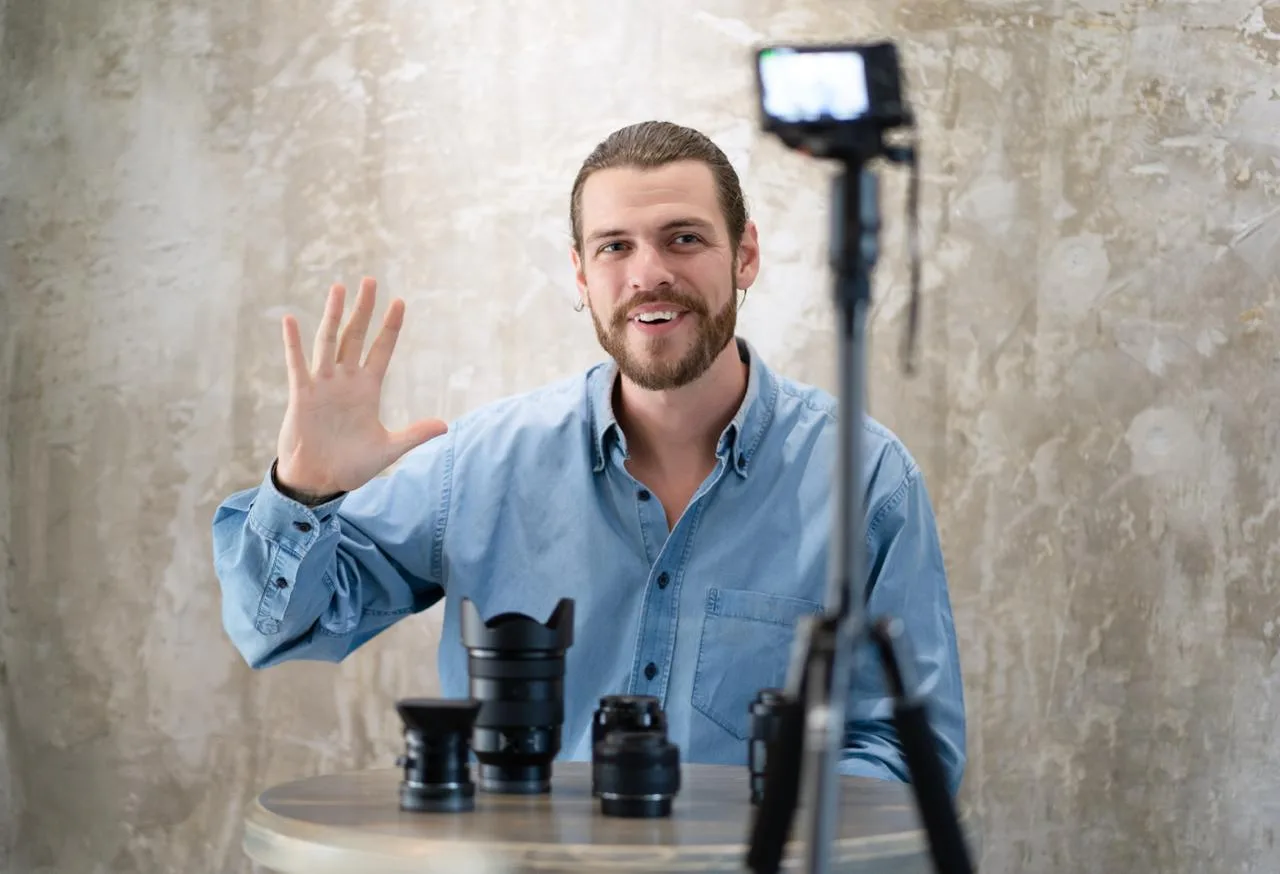
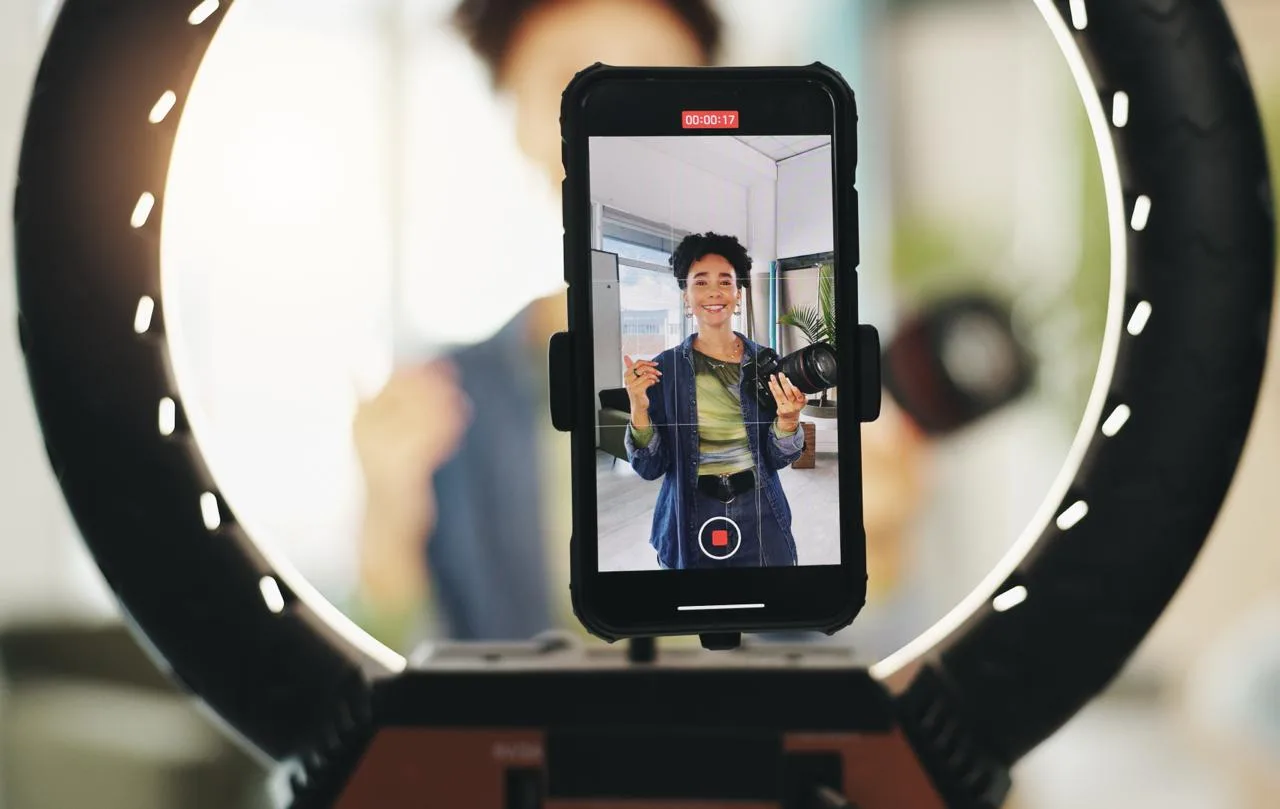
Shooting a video for TikTok is easy. You don’t need expensive equipment or video editing apps. All you need is a phone with a decent camera. Follow these simple tips when shooting.
- Hold your phone vertically. TikTok is a platform for vertical videos.
- Pay attention to lighting. Editing videos for TikTok is pretty simple. But bad lighting can ruin everything.
- Keep your videos short. TikTok is a platform for short videos. You can record videos up to 10 minutes long in the app itself. You can upload videos up to an hour long, but most viewers will scroll past those.
These simple tips will help you shoot high-quality videos for TikTok.
How to edit videos for TikTok
You can shoot and edit videos directly in the app. To do this, log into your TikTok account and tap the plus sign at the bottom of the screen. Once you’ve recorded a video, you can edit it.
The editing tools will appear on the screen. You can trim the video, add captions and stickers, apply filters, cut and paste frames, and add music.

Additional TikTok features
TikTok offers users a variety of additional features.
- Duets. Allows you to record your video alongside another user’s video. To record a duet, tap the “Share” button, then select “Duet.”
- Collages. You insert someone else’s video into your own. The first frame is the insert, followed by your video. Here, you also tap “Share,” then select “Collage.”
- Live streaming. TikTok allows you to do live streams. To do this, tap the plus sign at the bottom of the screen. Then select “LIVE broadcast.” However, this feature is only available to profiles with at least 1,000 followers.
- Polls. You can add a poll to your video. To do this, shoot or upload a video, tap “Next,” go to the sticker selection, and select “Poll.”
- Sound effects. These allow you to change your voice and choose different sounds.
- Video templates. Tap the plus sign at the bottom of the screen, select “Editor” and the template you want.
TikTok offers other features as well. There are many of them, and they are constantly being updated.
Conclusion
TikTok is a good platform for creating videos. Videos for TikTok are easy to shoot and edit. All you need is a phone with a good camera and internet connection. But to gain a certain number of followers, you need to put in some effort. If you need a high-quality video for TikTok, contact us. We make turnkey videos.

 24.02.2026
  5 min
5 min